
Zero downtime, with automatic rollback
A new version of a stateless app gets traffic only after it passes its health check. If it fails, the old one keeps serving.
Deploy from GitHub. Dockify handles domains, databases, backups and rollbacks. Then you sleep.
curl -fsSL https://dockify.sh/Dockify installs with one command, then projects such as horseai, inkwell, brightlane and fieldnote are deployed, built, health checked and go live on one server, with an encrypted backup sent to your bucket.
Your appsOne serverOpen source
Real screens from the dashboard build, filled with demo data.
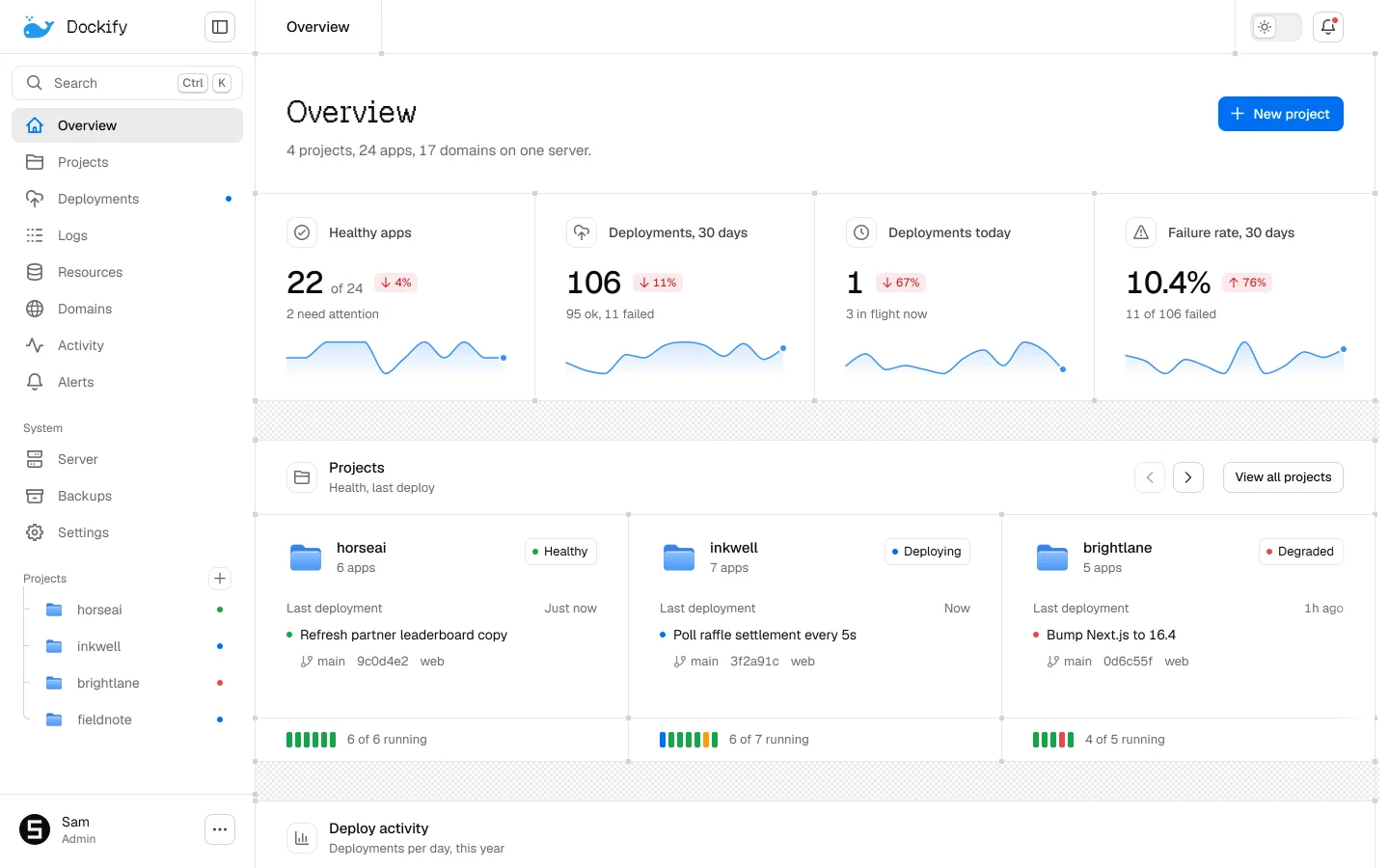
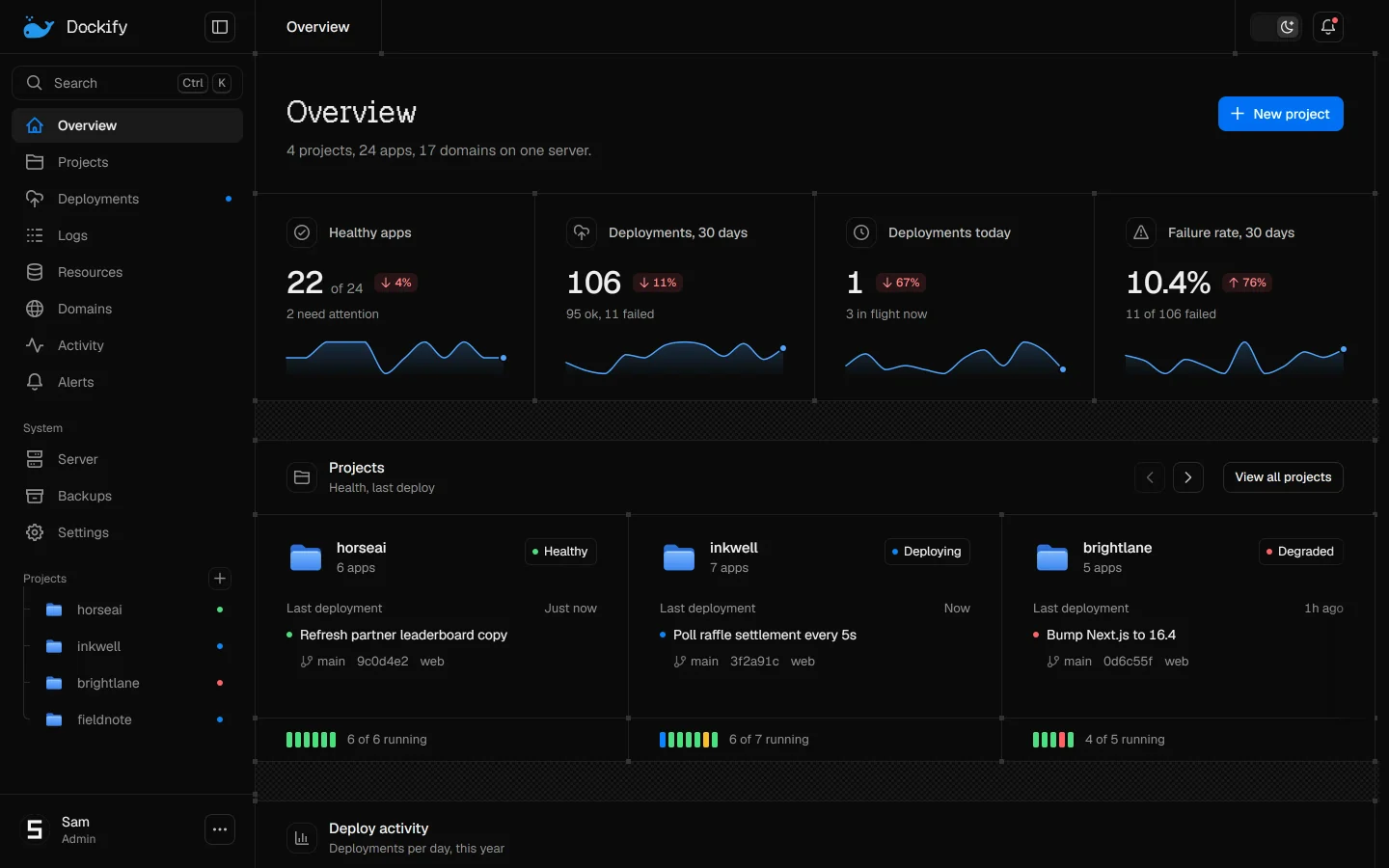
Every project, its status and its last deploy, on one screen.
A new version of a stateless app gets traffic only after it passes its health check. If it fails, the old one keeps serving.
Encrypted and sent to your bucket. Postgres backups are restored into a throwaway database each week.
The last five good deploys are kept by image. No rebuild.
Old images and build cache cleaned on a schedule. Rollback images stay.
Rules per app, sent to the dashboard, Discord, email or a webhook.
One command on a fresh Ubuntu server.
Any repository, with or without a Dockerfile, from GitHub or by its URL.
A stateless app swaps with zero downtime, after its health check.
Where the others do more, we say so.
| Feature | Dockify | Coolify | Dokploy | Vercel |
|---|---|---|---|---|
| Zero-downtime deploys for stateless apps | Yes | Partly | Partly | Yes |
| Automatic rollback on a failed check | Yes | Partly | Partly | Partly |
| Backups tested by a real restore | Yes | No | No | No |
| HTTPS dashboard from the first login | Yes | No | No | Yes |
| Preview deploys per pull request | Yes | Yes | Partly | Yes |
| Runs across many of your servers | Soon | Yes | Yes | No |
Checked on 6 November 2026. Every source is on the comparison page.
Anything else? Read the docs FAQ or ask on GitHub.
People who run several projects on one VPS. Need many servers today? Coolify or Dokploy will suit you better.
It does less, on purpose, and spends the effort on safe deploys and tested backups. See the comparison.
The old version keeps serving and the deploy is marked failed with the reason. Turn on Deploy failed in Settings, Notifications to hear about it by webhook, and by email once email is set up.
To your own S3-compatible bucket, such as R2, B2 or S3, encrypted before they leave the server. Until you add one, they stay on the server's own disk.
Nothing. Dockify is open source under the Apache License 2.0 and runs on your server; you pay your VPS provider.